
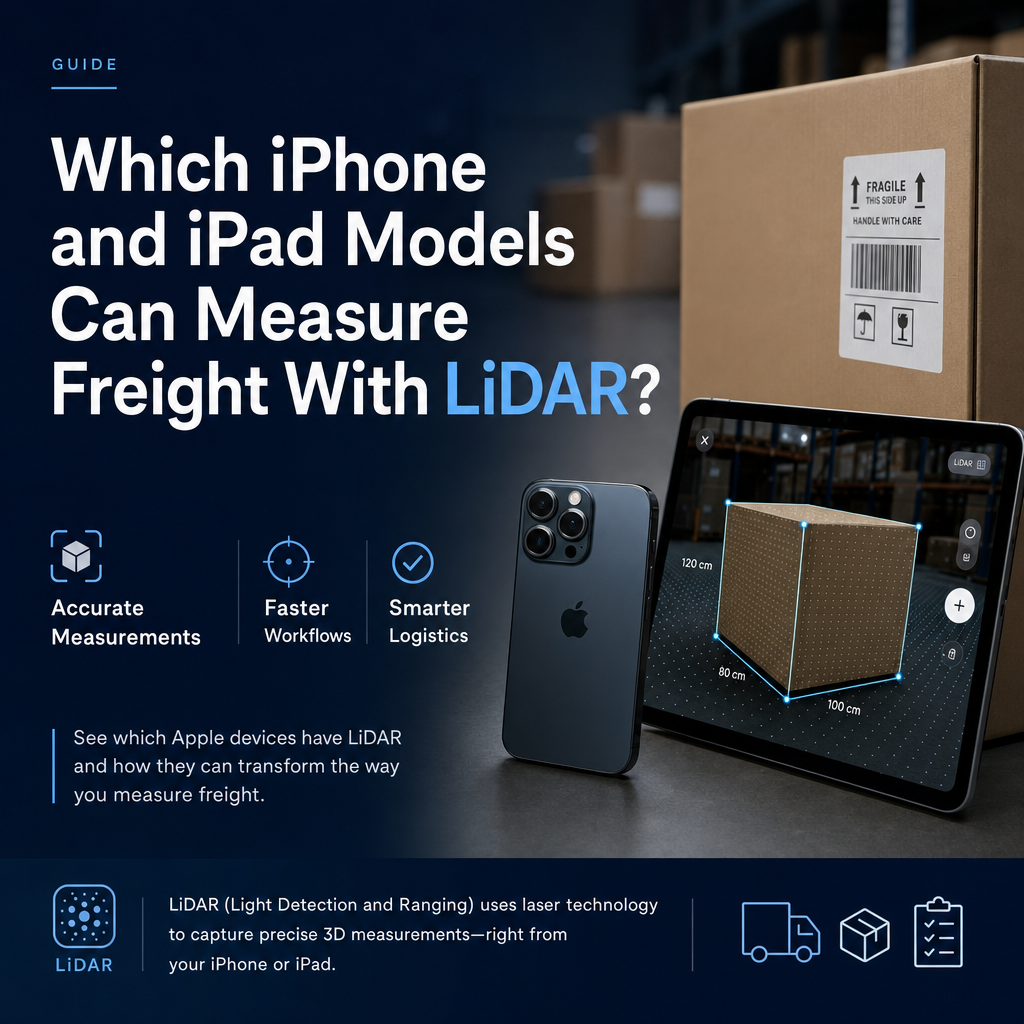
On iPhone, the LiDAR Scanner is on the Pro and Pro Max models from the iPhone 12 Pro onward: the iPhone 12 Pro, 13 Pro, 14 Pro, 15 Pro, 16 Pro, 17 Pro and 18 Pro, each with its Pro Max. The iPhone 11 Pro and earlier do not have it, and neither does any non-Pro iPhone. On iPad, only the iPad Pro has a LiDAR Scanner: the 11-inch from the 2nd generation onward (including M4 and M5) and the 12.9/13-inch from the 4th generation onward (including M4 and M5). For any specific model, check Apple's tech specs page for "LiDAR Scanner" under Sensors before you buy it for dock work.
That covers which hardware has the sensor. The rest of this article covers how to confirm a device you already own, what the sensor does when you point it at a pallet, which form factor suits which job, and where a phone or tablet fits when the dimensions end up on a bill of lading.
Which iPads have a LiDAR scanner?
Apple's own iPad identification guide (checked 25 October 2026) lists the LiDAR Scanner as a feature of these models:
- iPad Pro 11-inch (2nd generation)
- iPad Pro 11-inch (3rd generation)
- iPad Pro 11-inch (4th generation)
- iPad Pro 11-inch (M4) and the M5 generation
- iPad Pro 12.9-inch (4th generation) and every later 12.9-inch model
- iPad Pro 13-inch (M4) and the M5 generation
The standard iPad, iPad Air and iPad mini are not listed with the sensor. They have good cameras and run augmented reality apps, but they do not have the depth sensor that LiDAR-based dimensioning relies on.
The original 11-inch iPad Pro and the 12.9-inch models before the 4th generation also lack LiDAR. This catches people out when they buy refurbished stock: an older iPad Pro looks almost identical to a LiDAR model, and the word "Pro" on the listing is not enough to go on.
Which iPhones have a LiDAR scanner?
Apple puts LiDAR on its Pro iPhones, not across the whole range. Apple's tech specs pages (checked 25 October 2026) list "LiDAR Scanner" in the Sensors section of these models:
- iPhone 12 Pro and iPhone 12 Pro Max
- iPhone 13 Pro and iPhone 13 Pro Max
- iPhone 14 Pro and iPhone 14 Pro Max
- iPhone 15 Pro and iPhone 15 Pro Max
- iPhone 16 Pro and iPhone 16 Pro Max
- iPhone 17 Pro and iPhone 17 Pro Max
- iPhone 18 Pro and iPhone 18 Pro Max
These iPhones do not list the sensor:
- The iPhone 11 Pro and iPhone 11 Pro Max, and every earlier iPhone
- The standard, Plus and mini models of every generation, such as the iPhone 15, iPhone 16 Plus and iPhone 17
- The iPhone SE, iPhone 16e and iPhone 17e
- The iPhone Air and the iPhone Duo
No non-Pro iPhone carries the sensor, which is why a team buying phones for receiving work needs to specify Pro models deliberately. A purchasing department that orders "the latest iPhone" at the lowest price will often end up with a device that cannot run a LiDAR dimensioning app properly.
Apple adds new iPhones every year, so for a model not listed here, use Apple's spec pages as the reference. If "LiDAR Scanner" does not appear under Sensors, the phone does not have one.
How do you check whether a device you already own has LiDAR?
There are three quick ways, from fastest to most certain:
- Look at the camera bump. LiDAR devices have a small, dark, flat circle next to the camera lenses, separate from the flash. It is a good first check but not proof, because it is easy to mistake for a microphone or flash on a blurry listing photo.
- Find the model name. Go to Settings, then General, then About. The model name and model number appear there. Match the model number against Apple's iPad identification guide or iPhone identification guide (checked 25 October 2026).
- Check the Sensors section. On Apple's tech specs page for that exact model, LiDAR Scanner will be listed explicitly if the device has it.
Do this before handing devices out to a dock crew. Discovering on the first busy morning that half the fleet are non-Pro iPads is a bad way to start a rollout.
What does the LiDAR sensor actually do when it measures freight?
LiDAR fires light at the scene and times how long it takes to come back, which gives the device a depth map rather than a flat picture. When Apple introduced it on the iPad Pro in March 2020, it said the scanner measures distance to surrounding objects up to 5 meters away (Apple Newsroom, 18 March 2020), works indoors and outdoors, and combines its depth data with the camera and motion sensors.
That combination is what matters for freight. The camera sees the edges of the pallet, the motion sensors track how the device moves as you walk around it, and LiDAR supplies the actual distances. An app can then work out length, width and height without you holding a tape against each side.
In practice, a few habits make the difference between a clean reading and a re-measure:
- Stay well inside the range. The 5-meter figure is a maximum, not a working distance. Stand close enough that the whole pallet fills most of the screen.
- Keep the sensor clear. Rugged cases with thick camera surrounds, fingerprints and dock dust all degrade the reading. Wipe the lens and check the case does not overlap the LiDAR window.
- Capture the extremes. Freight class is billed on the outermost dimensions, including overhang and the pallet itself. Make sure the scan sees the highest point and the furthest-sticking-out carton. Our guide on measuring a pallet for LTL shipping covers what has to be included.
- Spot-check unusual surfaces. On glossy stretch wrap or very dark packaging, compare the scan with a tape a few times until you trust the result on that kind of load.
If you want the detail on how close LiDAR gets to a tape and where it drifts, see our article on LiDAR freight measurement accuracy.
Is an iPhone or an iPad better for measuring freight?
Both carry the same kind of sensor, so the choice comes down to how your people work. Here is how the two compare on a dock or warehouse floor:
| Consideration | Pro iPhone with LiDAR | iPad Pro with LiDAR |
|---|---|---|
| Carrying it all shift | Fits in a pocket; always on the person | Needs a holster, strap or cart mount |
| One-handed use | Practical, leaves a hand free for the pallet jack | Usually needs two hands |
| Reviewing a scan | Smaller screen, fine for confirming dimensions | Larger screen makes it easier to see if an edge was missed |
| Shared vs personal device | Tends to become one person's device | Works well as a shared station device at a door |
| Typical user | Drivers, freight forwarders visiting shippers, roaming checkers | Receiving desks, inbound QA, supervisors auditing loads |
Many operations end up with both: phones for people who move around, a tablet at the receiving door where scans get reviewed before the paperwork goes out.
FreightSizer runs on both iPhone and iPad and uses the LiDAR sensor to measure the dimensions, calculate density and assign LTL freight class in line with NMFTA guidelines, including the NMFC standards effective 19 July 2025. Because it depends on that sensor, the device checks above apply before you install it on a fleet.
Can you use a LiDAR iPhone or iPad for billing measurements?
This is a separate question from whether the hardware has the sensor, so keep the two uses apart.
Shipper-side accuracy. If you are a shipper or forwarder measuring freight before it goes out, the goal is to get the right dimensions onto the bill of lading. NMFTA has said that because density now plays a larger role in classification, accurate measurements are essential and exact dimensions should be recorded on every bill of lading (NMFTA, Staying Current with the NMFC, checked 25 October 2026) to reduce reclassifications. A LiDAR device replaces guessing and rounded tape readings for exactly this purpose.
Commercial billing devices. When a device's measurement is itself the basis of a charge, US weights and measures rules come into play. NIST Handbook 44, 2026 edition, Section 5.58 applies to dimension and volume measuring devices used to calculate freight, storage or postal charges. The National Conference on Weights and Measures explains that an NTEP Certificate of Conformance (NCWM, NTEP FAQs, checked 25 October 2026) is issued after a device passes evaluation and shows it can meet the applicable requirements of Handbook 44. A consumer phone or tablet does not carry a Certificate of Conformance because it is an iPhone or iPad, so if your measurement directly sets what a customer is invoiced, check the requirements in your state.
For most shippers, 3PLs and forwarders, the practical use is the first one: measuring accurately at origin so the carrier's own dimensioner agrees with your BOL. We go through where the line sits in do you need certified dimensioning equipment for billing, and the broader trade-offs in should you measure freight manually or with automated dimensioning.
What to do next
- Audit the devices you already have using the model-number check above.
- If you are buying, specify iPhone Pro or Pro Max models from the iPhone 12 Pro onward, or LiDAR iPad Pro models, by name, not by price band.
- Run a short side-by-side against a tape on your typical freight to build confidence.
- Record the exact measured dimensions on every BOL, as NMFTA recommends.
Once you have the right hardware, a LiDAR app such as FreightSizer can take over the tape measure on the dock.
Frequently Asked Questions
Does the regular iPad or iPad Air have LiDAR?
No. Apple's iPad identification guide lists the LiDAR Scanner only on iPad Pro models: the 11-inch from the 2nd generation and the 12.9/13-inch from the 4th generation onward. The standard iPad, iPad Air and iPad mini are not listed with the sensor.
Do all iPhone Pro models have LiDAR?
No. The iPhone 11 Pro and 11 Pro Max do not have a LiDAR Scanner. Every Pro and Pro Max model since, from the iPhone 12 Pro to the iPhone 18 Pro Max, does: Apple's tech specs list it in the Sensors section of each. No non-Pro iPhone has it.
Can a phone without LiDAR measure freight dimensions?
Some apps estimate size from the camera alone, but they lack the direct depth measurement LiDAR provides. Because NMFTA tells shippers to use accurate measurements rather than estimates, a LiDAR-equipped device is the safer choice when the dimensions decide freight class.
How far away can I stand when scanning a pallet?
Apple states the LiDAR Scanner measures objects up to 5 meters away, but that is a ceiling, not a working distance. For freight, stand close enough that the whole pallet fills most of the screen and walk around it so every edge and overhang is captured.