
How to Get Mobile Dimensioning Data Into Your WMS or TMS Without a Custom Integration
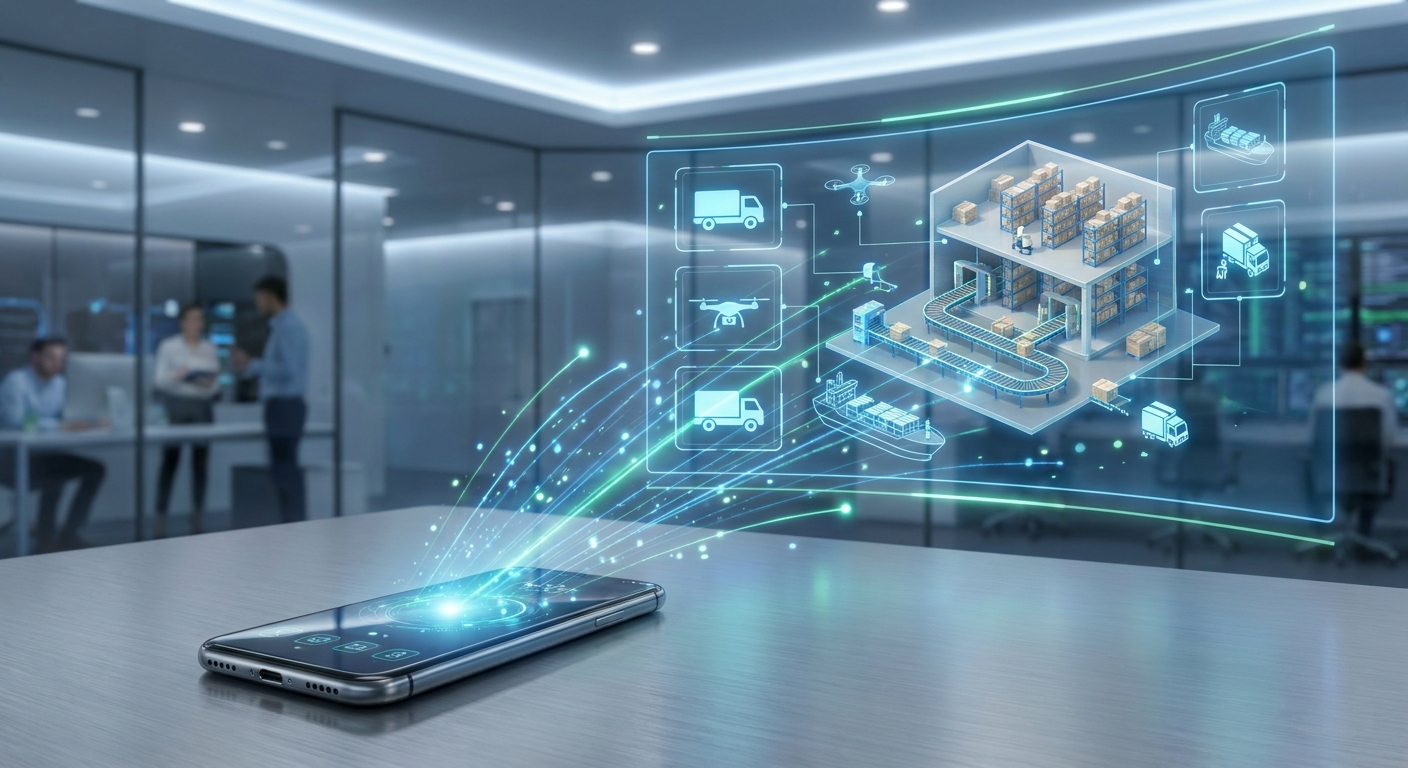
You connect the dimensioner to an integration layer instead of to each system separately. PHD Solutions' enVision Cloud sits between the device that captures dimensions and the systems that consume them, so the data is captured once and delivered to your WMS, TMS, shipping and automation platforms through one connection rather than one per system. FreightSizer's mobile dimensioner is now integrated with that platform, which means an iPhone Pro or iPad Pro can feed dimensions into systems that were never built to talk to a phone.
Key Takeaways
- Dimensioning projects usually stall on integration, not on measurement accuracy.
- An integration layer replaces per-system interfaces with a single connection.
- FreightSizer captures freight dimensions on an iPhone Pro or iPad Pro, with no fixed hardware to install.
- Mobile, fixed and automated dimensioning solve different problems; the right one depends on throughput and where measuring happens.
- Dimension data only protects revenue if it reaches the billing and shipping systems in time.
Why do dimensioning projects stall on integration rather than measurement?
Because measuring is the easy part. A dimensioner produces length, width and height very reliably; the difficulty is getting those numbers into the systems that bill, book and audit shipments.
Historically each combination of device and platform needed its own interface. A warehouse running one WMS, one TMS and a parcel shipping system could need three separate integrations for a single dimensioner — and another three when a second device type arrived. The work is invisible to operations and lands entirely on IT, which is why dimensioning pilots often succeed technically and never reach production.
How does an integration layer change that?
It inverts the relationship. Instead of connecting every device to every system, devices connect to the layer and systems connect to the layer.
PHD Solutions describes enVision Cloud as a platform that captures, standardises and securely delivers dimension and weight data to WMS, TMS, shipping and automation platforms, summarised in their own phrase: "Dimension Anything. Integrate Once."
The practical consequences are ordinary but they are the ones that decide whether a project succeeds:
- Implementations get shorter. A company adopting FreightSizer inherits the integrations the platform already has, rather than commissioning its own.
- Maintenance stops multiplying. One integration to keep alive instead of one per system pairing.
- The data arrives in one shape. Consistent fields and units across systems, which is what makes auditing and dispute handling possible later.
- New systems are additive. When another platform joins the ecosystem, everyone already connected gains access to it.
What does mobile dimensioning add to this?
It removes the assumption that measuring happens in one fixed place.
Fixed and automated dimensioners are built around a station: freight comes to the equipment. That suits high, predictable throughput at a known point in the building. A great deal of freight is never measured at that point — it is measured on a dock, in a trailer, at a customer site, at a cross-dock, or wherever a dispute has just started.
FreightSizer measures freight with the camera and depth sensor already in an iPhone Pro or iPad Pro. There is nothing to mount, nothing to calibrate to a location, and nothing that stops working when the freight is somewhere else. Connected through enVision Cloud, those measurements become the same kind of data as measurements from a fixed station.
Mobile, fixed or automated — which one should you use?
| Best suited to | Measuring happens | Typical constraint | |
|---|---|---|---|
| Mobile dimensioning | Variable volume, multiple locations, dock and field measurement, dispute evidence | Wherever the freight is | Operator-paced |
| Fixed station | Steady volume through one known point | At the station | Freight must come to it |
| In-line / automated | High, continuous throughput on a conveyor | On the line | Capital cost and installation |
Most operations do not choose only one. They use a station where the volume is predictable and mobile devices capture everywhere else — which only works if both feed the same systems in the same format.
What does this change for 3PLs, carriers and shippers?
Dimensional weight billing has made accurate dimensions a requirement rather than a refinement. Four things follow:
Revenue protection. Billing discrepancies come from dimensions that were never captured or never reached the invoice. Capturing them at the point of handling closes both gaps.
Carrier compliance. Dimensions can move directly into transportation and shipping systems rather than being re-keyed, which is where errors and delays enter.
Evidence for disputes. A reweigh or reclassification charge is contested with records. Dimensional data and images held centrally, with its transaction history, is what turns a dispute into a straightforward correction.
Flexibility. Facilities can deploy mobile, fixed or automated capture per workflow without committing the whole operation to one vendor's integration path.
What should you check before committing to a dimensioning setup?
- Where does measuring actually need to happen? If the honest answer includes "anywhere in the dock" or "a customer site", a fixed station alone will not cover it.
- Which systems must receive the data, and do they already connect to the platform? An existing integration is weeks; a new one is a project.
- Is the data certified where it needs to be? Requirements differ between internal audit, customer billing and legal-for-trade use.
- What happens to the transaction history? If the records are not retrievable later, they cannot be used in a dispute.
- Who maintains the integration after go-live? This is the question that decides the second year, and it is usually the one nobody asks.
Frequently Asked Questions
Can a phone or tablet really replace a dimensioning station?
Not in every case. A mobile device measures freight accurately wherever the freight is, which a station cannot do, while a station handles steady high volume at one point faster than an operator with a device. Operations that run both usually use them for different workflows rather than replacing one with the other.
What does an integration layer actually do that a direct connection does not?
It standardises the data and holds the connections. With a direct integration, each device-to-system pairing is separate code that someone has to maintain. With a layer, the device connects once and reaches every system already attached to the platform.
Which systems can receive dimension data through enVision Cloud?
PHD Solutions describes the platform as delivering dimension and weight data to WMS, TMS, shipping and automation platforms. Which specific products are connected changes as the ecosystem grows, so it is worth confirming your particular systems before planning around it.
Is mobile dimensioning accurate enough for billing?
Accuracy requirements depend on what the number is used for. Internal planning, customer billing and legal-for-trade each set a different bar, and the relevant question is which of those your dimensions have to satisfy — not whether a device is accurate in general.
What hardware does FreightSizer need?
An iPhone Pro or iPad Pro. There is no fixed installation, no mounting and no site preparation, which is what makes it immediately deployable in places where a station would never be justified.